Camera Video Technology Display Interface
DownloadTopics
Details
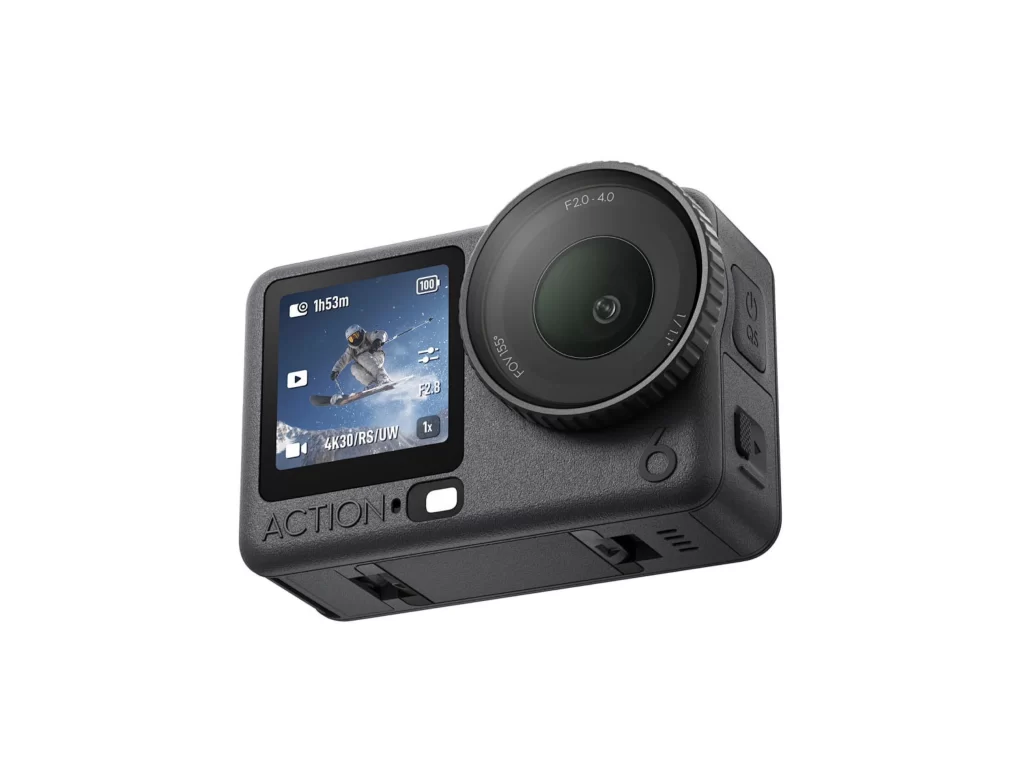
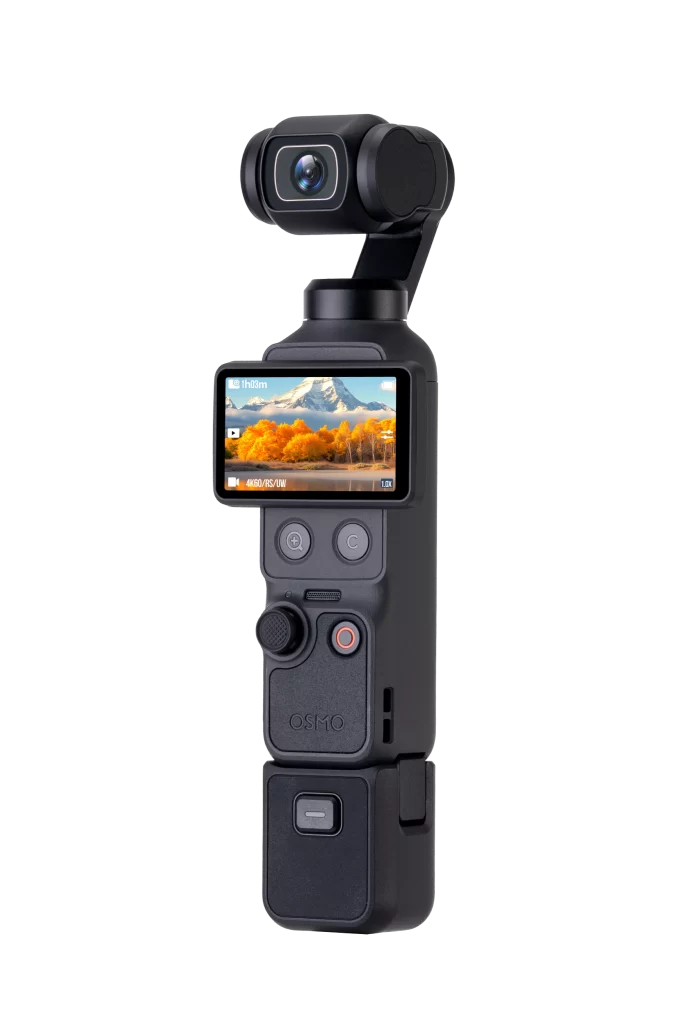
Matte black plastic forms the entire chassis of this handheld gimbal camera, from the rectangular lens housing at the top to the battery grip at the bottom. A bright touchscreen displays a mountain landscape with autumn foliage, overlaid with interface text reading 1080P, 4K60/52.0W, and 1.0X in the corner. Below the screen sit two circular buttons marked with plus and minus symbols, a textured mode dial, and a prominent red record button above the embossed OSMO brand name.
Vertical ergonomics define this device's silhouette, stacking the camera module, display, controls, and power pack into a single elongated column. The contrast between the glossy lens bezel and the soft-touch body texture creates visual hierarchy, while the illuminated screen adds a splash of color to an otherwise monochromatic tool. Designers studying consumer electronics will appreciate how the button placement and screen orientation prioritize one-handed operation during active shooting.
Product visualization artists can mine this reference for accurate material shaders and component spacing when modeling action cameras or stabilizers. UI developers might examine the on-screen typography and icon layout to understand compact display constraints in mobile recording equipment. Anyone needing precise dimensional relationships between the grip, screen, and lens assembly can grab the full-resolution file without cost from the asset library.