Dashboard Touchscreen Display View
DownloadTopics
Details
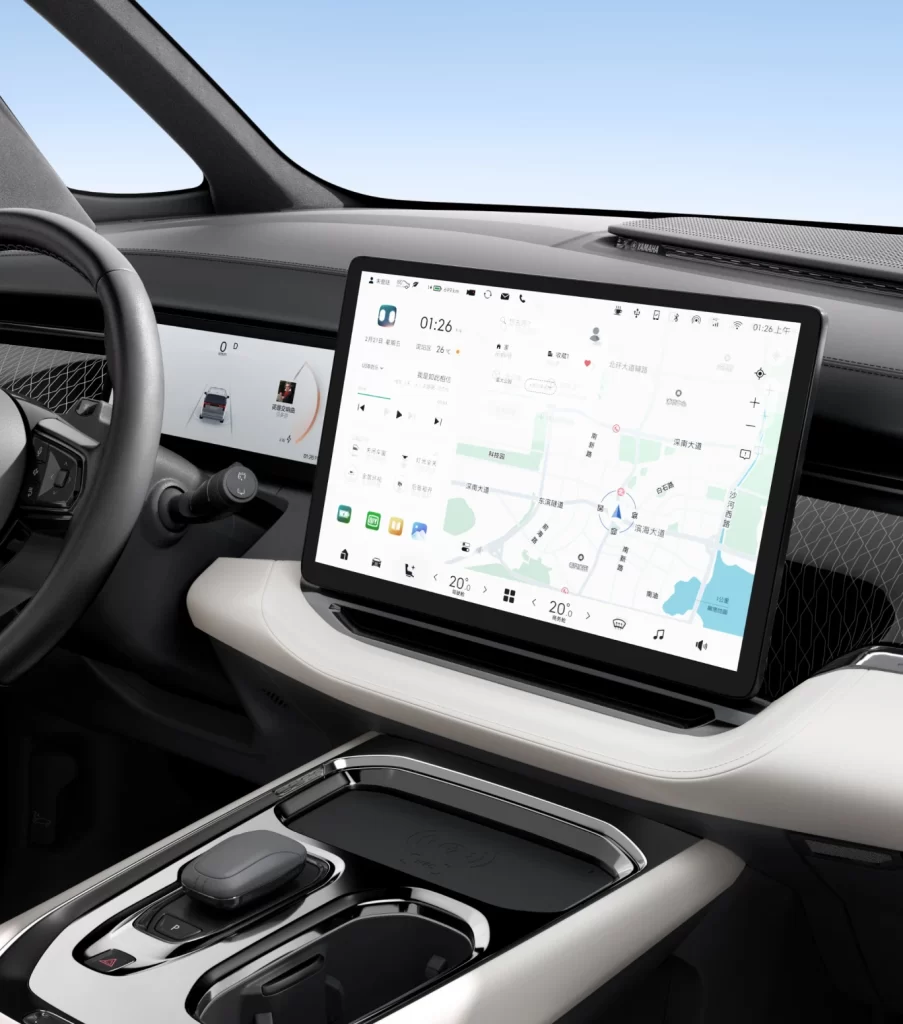
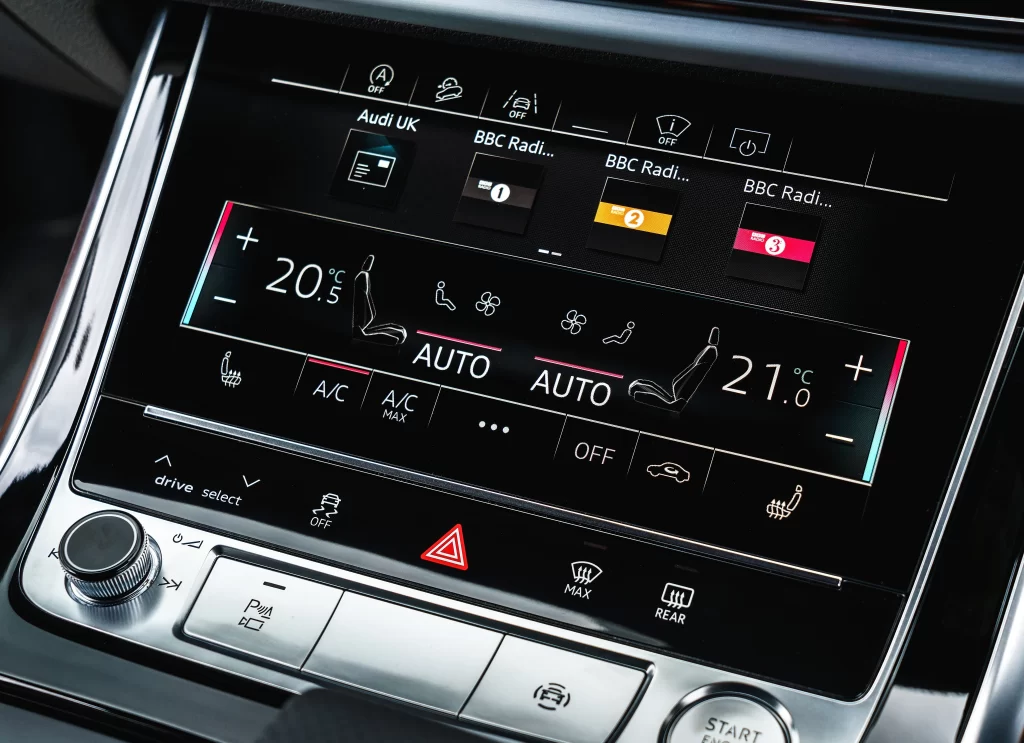
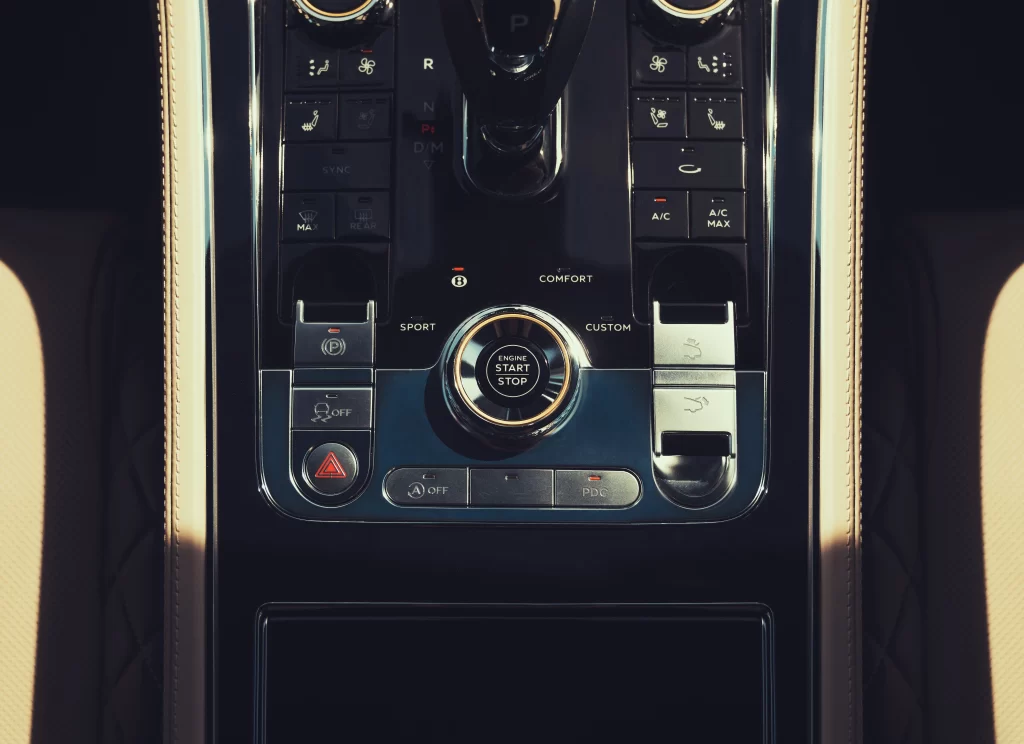
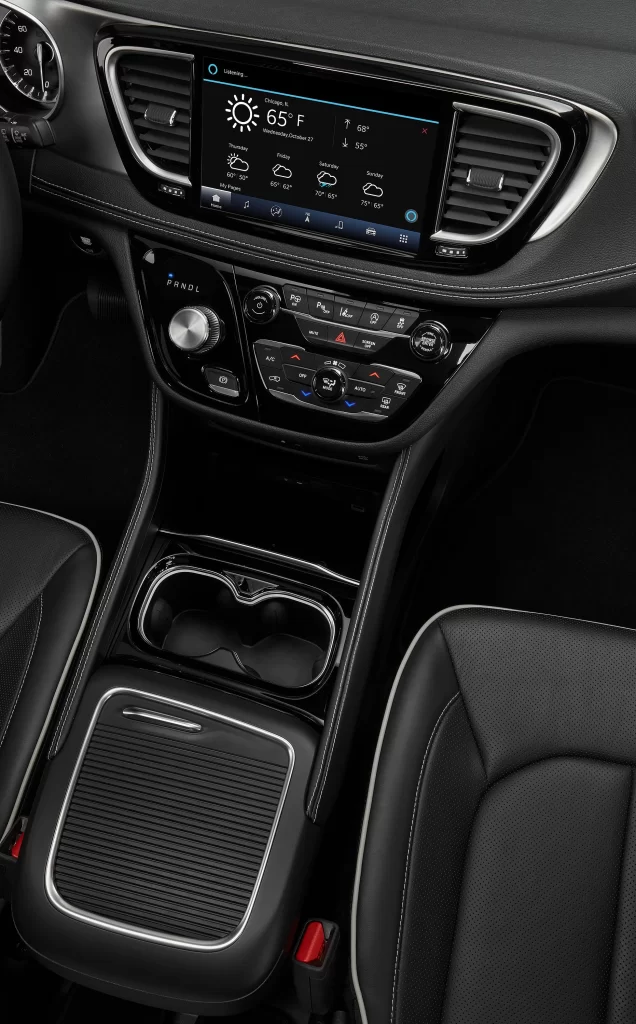
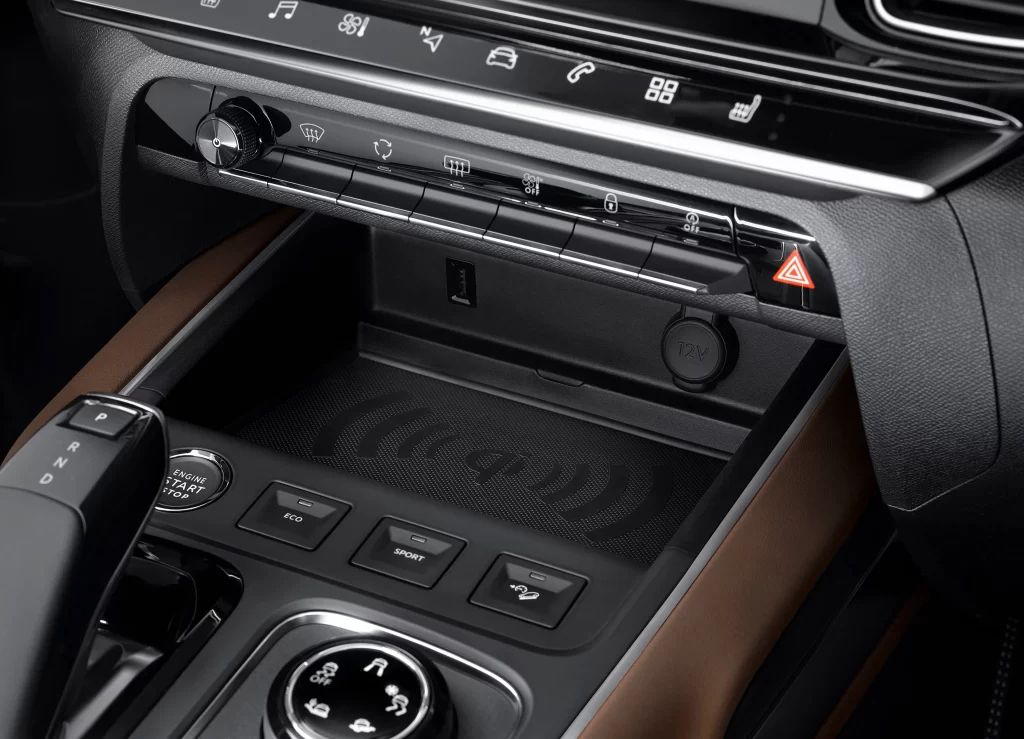
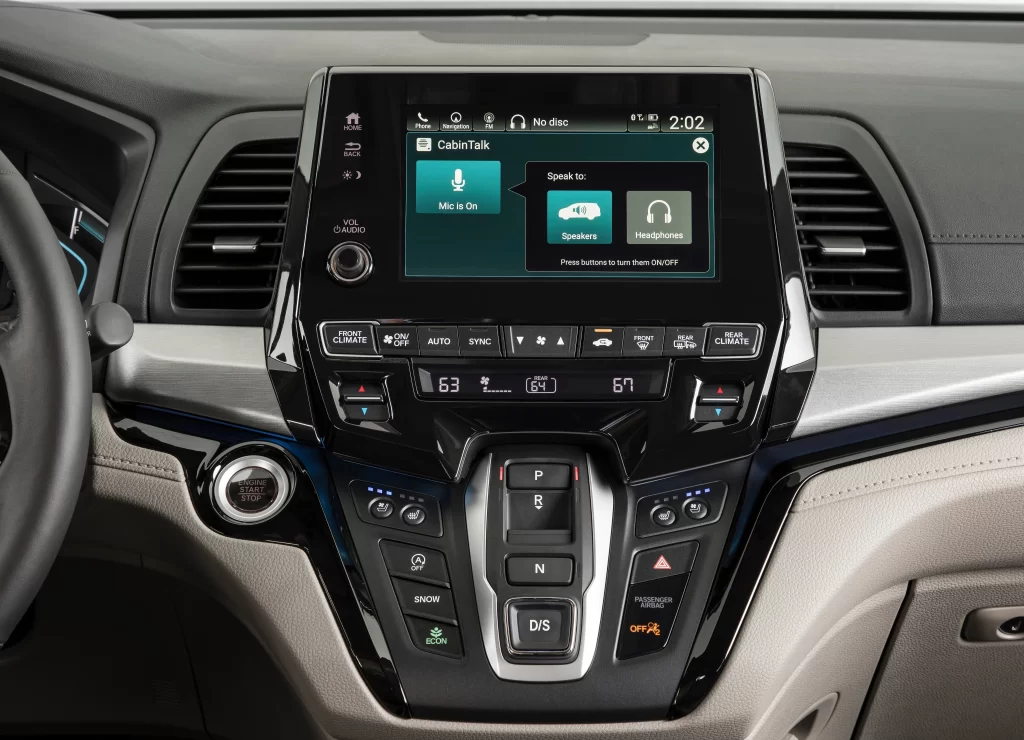
Glossy black plastic frames the central touchscreen, which glows with a teal interface labeled 'CabinTalk' and displays the time as 2:02. Below the active 'Mic is On' button and audio routing options for Speakers or Headphones, physical climate controls show 63 and 64 degrees. The surrounding dashboard features light beige leather stitching on the passenger side, a metallic silver trim piece, and a gear selector with P, R, N, D/S positions set against dark piano-black surfaces.
What makes this composition particularly useful is how it balances digital UI elements with tactile hardware in a single, well-lit shot. The contrast between the cool blue-green screen graphics and the warm tan upholstery creates a realistic environment for testing color schemes. Designers can grab the full-resolution file to study how modern automotive interfaces integrate voice-command systems into traditional center-stack layouts.
UX researchers and concept artists often need clear references of in-car technology to prototype new infotainment systems or storyboard interior scenes. This view provides specific details like the 'No disc' status icon and the 'ENGINE START STOP' button placement that generic stock photos usually miss. Anyone building a driving simulator or writing technical documentation about Honda's CabinControl features will find this angle invaluable for accuracy.